Download VirtualBox
Download Oracle VirtualBox for windows.
Install VirtualBox
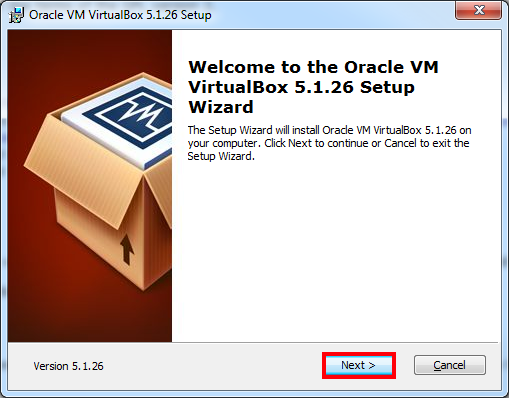
Click “Next” on the first windows:
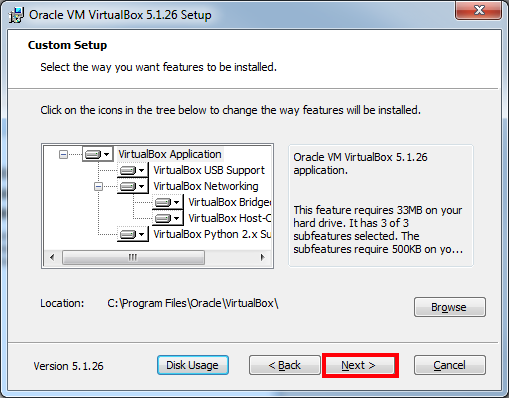
The defaults on the next page are fine most of the time but can be changed if necessary.
Click “Next” again:
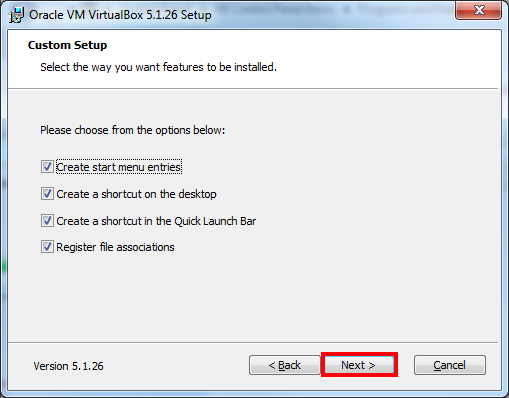
Select the features you want to enable and click “Next”:
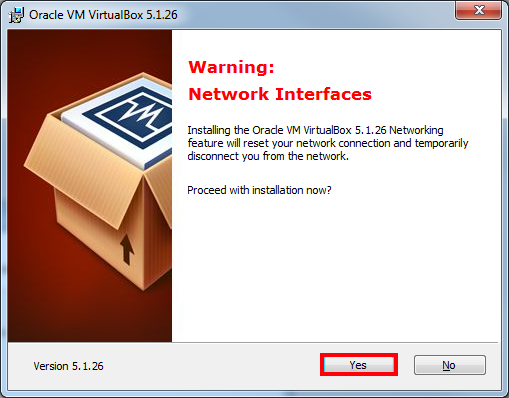
During the installation your internet connection will be disconnected briefly, make sure you don’t have any running downloads and click “Yes”:
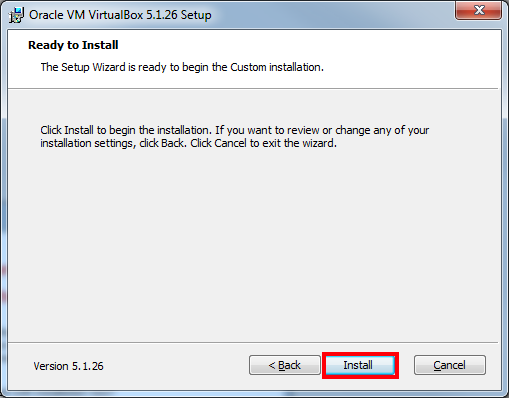
Click “Install”:
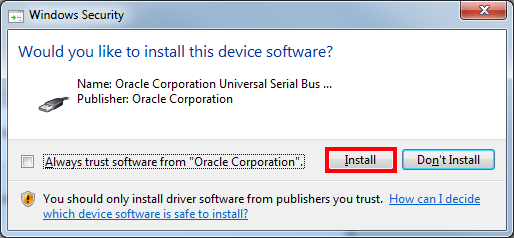
During installation, you will be prompted to install additional drivers, click “Install” to continue:
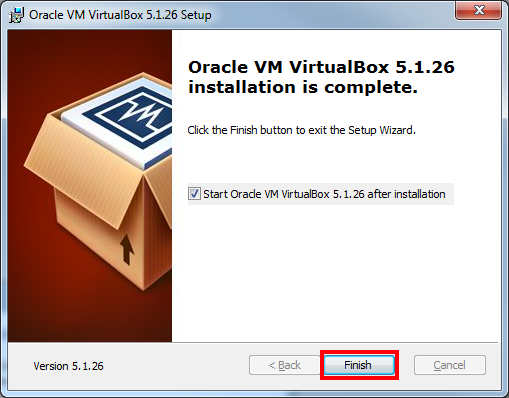
Click on “Finish” and restart Windows to complete the installation process:
Setup KREAP
Once you’ve installed Virtual Box, continue to the guide on how to setup the KREAP VM.